Troubleshooting
How to restore hidden settings boxes and panels in the WordPress admin dashboard.
If you are having trouble with the dashboard, here are some common issues that users run into, along with solutions.
I don’t see the settings box that I need.#
If you expect to see a settings area on a specific editor page, you might have hidden the “Metabox” or “Panel” in the screen settings menu. Here’s how to restore it.
Classic Editor#
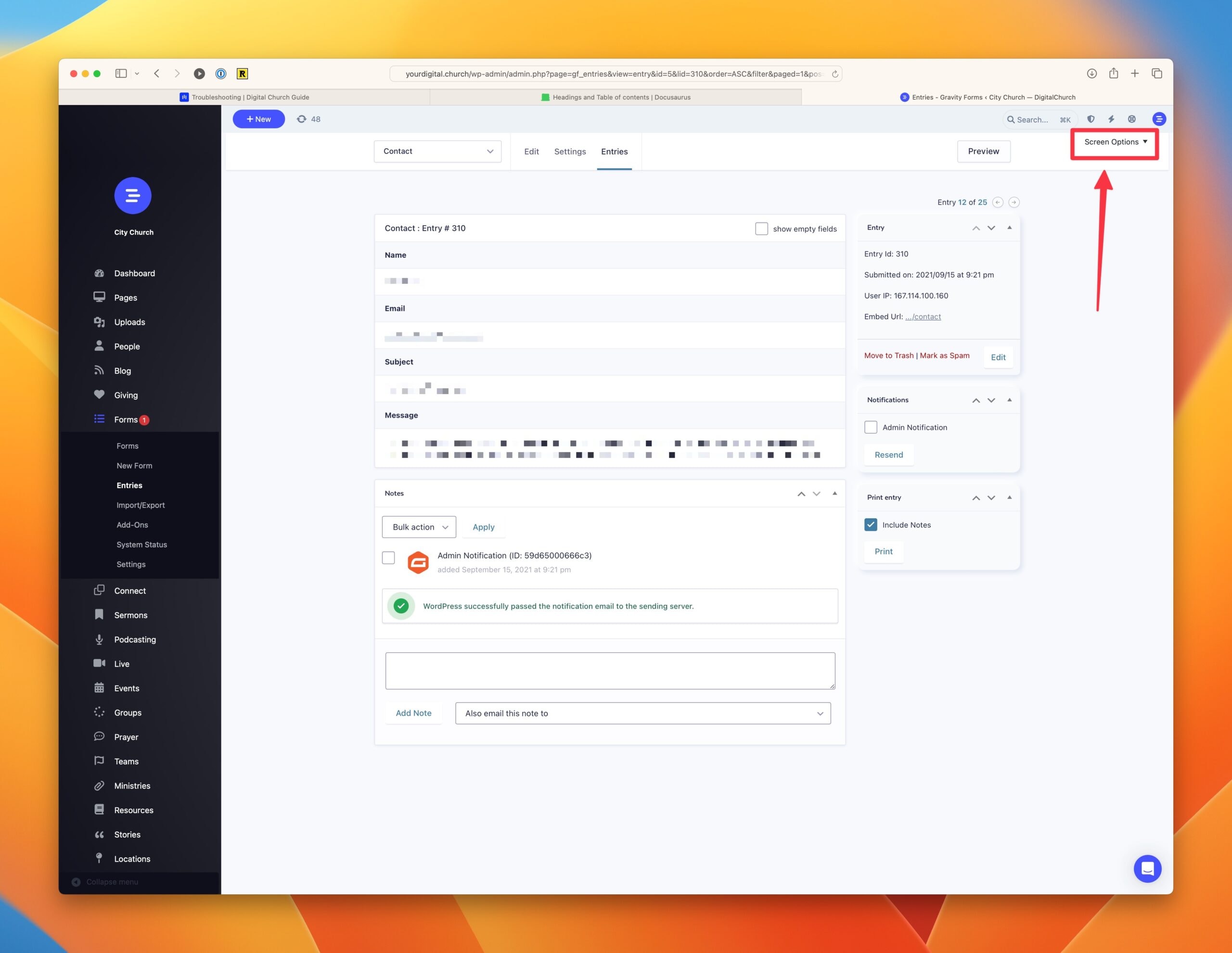
If the admin page you are using has the classic editor, click the “Screens” tab in the top right corner of the page. That opens a menu showing which metaboxes are visible. If the settings area you are missing isn’t checked, select it and click the Apply button.
Block Editor#
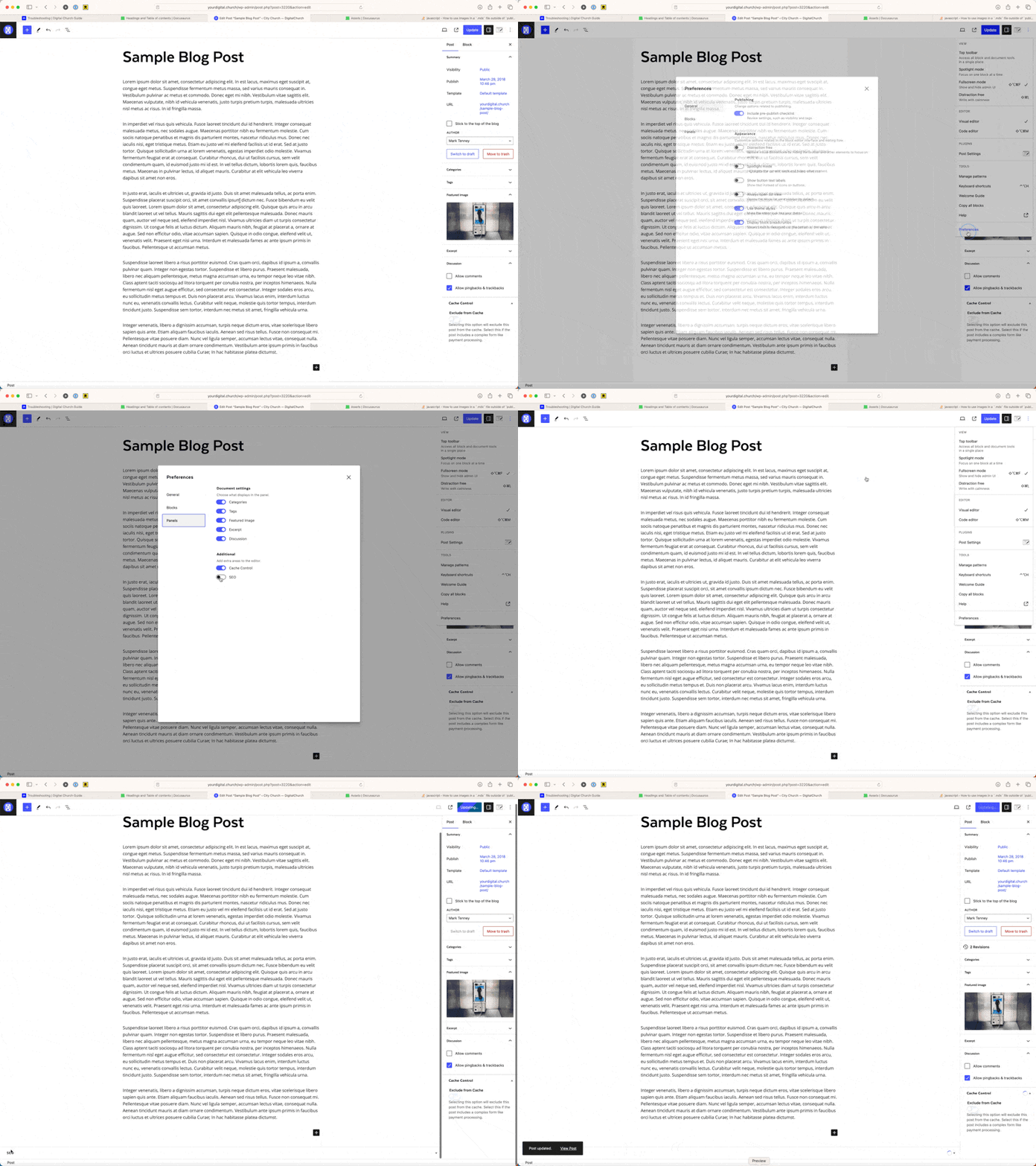
If the admin page you are using has the block editor, click the three dots in the top right corner and select “Preferences”. In the “Panels” tab of the Preferences menu, enable the panels you were missing.