Change Payment Status
You can manually change the payment status, along with a few other details like the Date, Transaction ID, or Amount on form entries that accept payments. View the Entry You Want to Edit In the dashboard, go to Forms and find the form you want to work on. Hover over the form name and select...
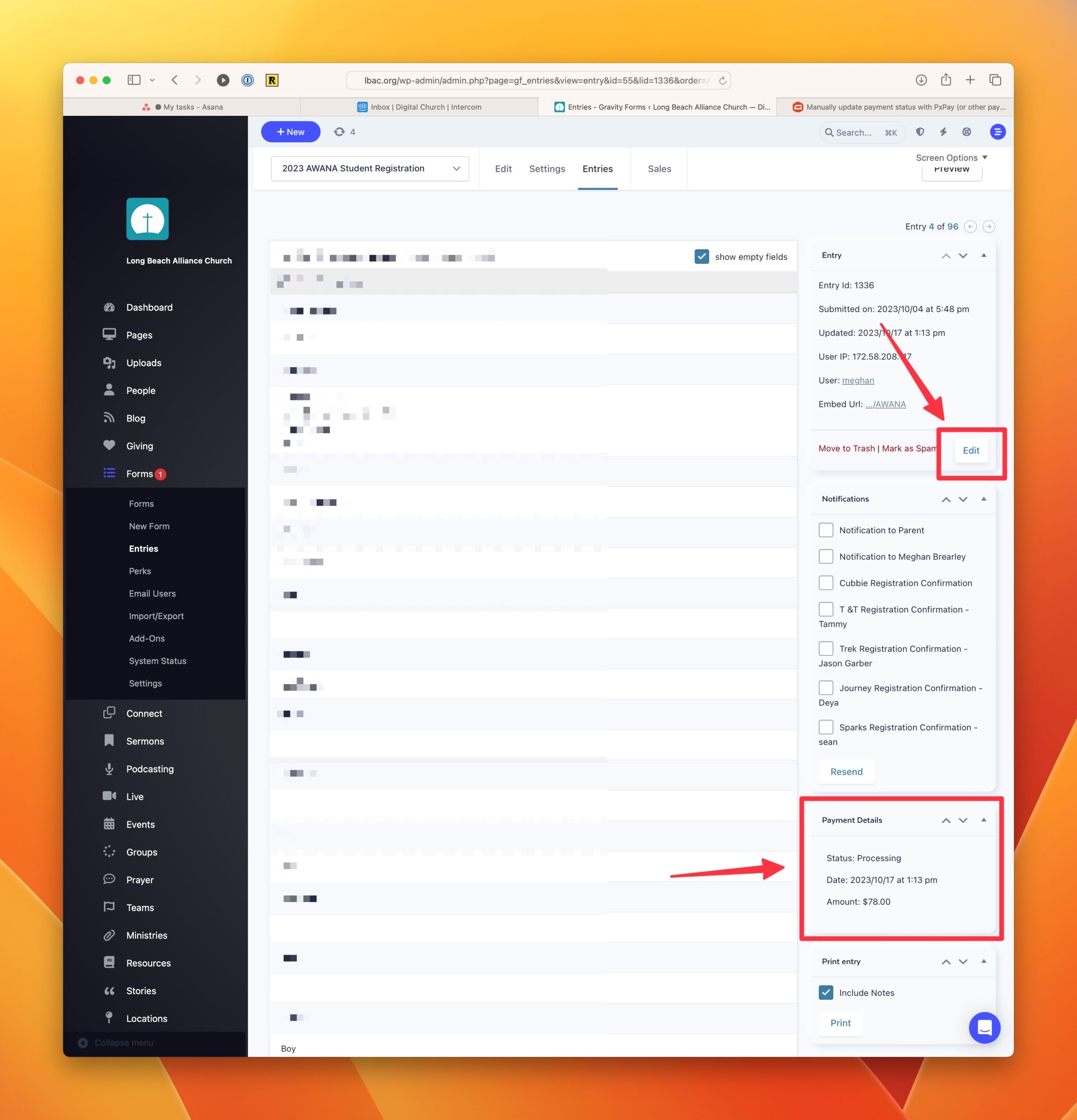
You can manually change the payment status, along with a few other details like the Date, Transaction ID, or Amount on form entries that accept payments.
View the Entry You Want to Edit#
In the dashboard, go to Forms and find the form you want to work on. Hover over the form name and select Entries to view all the entries for that form.
Click on the Edit button in the right column#
To edit the form, click on the Edit button in the right column. Now you’ll be able to make changes to the Payment Details area.
Save Your changes#
Click on Update to save your changes.